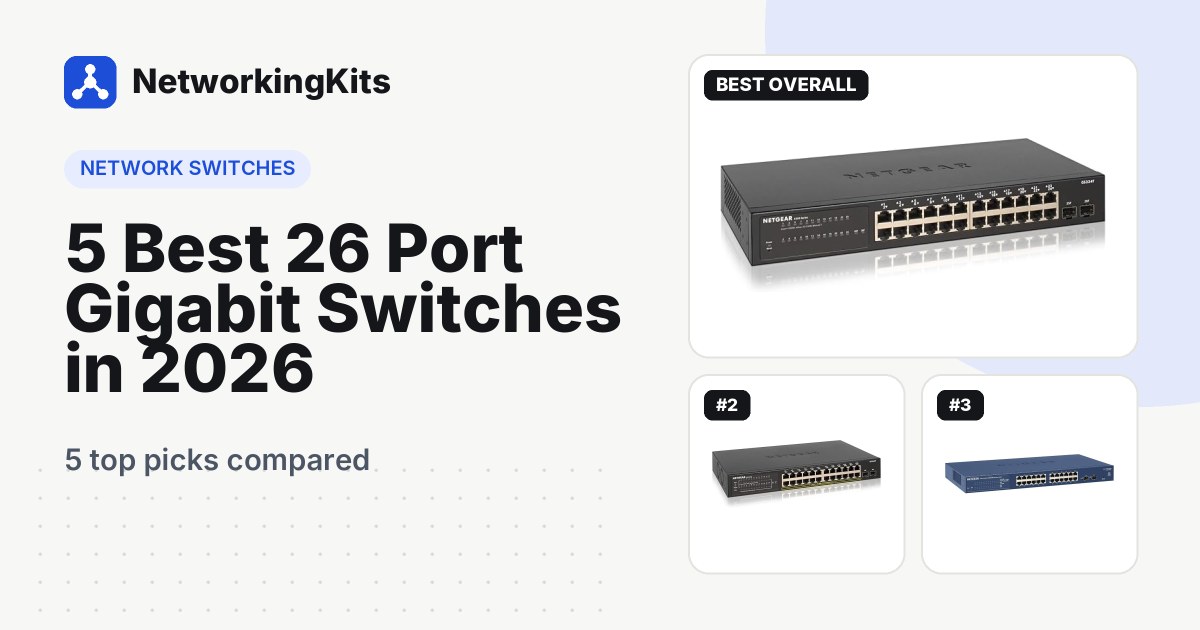
5 Best 26 Port Gigabit Switches in 2026
Need 24 ports plus fiber uplinks? We ranked the best 26 port gigabit switches in 2026, from silent NETGEAR smart switches to 380W PoE+ picks for camera setups.
Unmanaged, managed, PoE, 2.5G and 10G switches for homes, home labs and small offices.
A network switch is the simplest way to add more wired ports to your home or office. You plug one cable from your router into the switch, and every other port becomes a full-speed connection for a PC, console, TV, NAS or access point. Most homes only need a small unmanaged gigabit switch, but bigger setups may want PoE to power cameras, a managed switch for VLANs, or a rackmount model that lines up under a patch panel.
Our switch reviews are split by port count, so you can jump straight to the size you need. Each one compares five top-rated models on Amazon.com, with real buyer feedback on noise, heat, build quality and how well each switch holds up after months of use.
The number one pick from each of our reviews, chosen for value, build quality and real buyer feedback.


Each review compares five top-rated products from Amazon.com, with a comparison table, pros and cons, and a buying guide.
Need 24 ports plus fiber uplinks? We ranked the best 26 port gigabit switches in 2026, from silent NETGEAR smart switches to 380W PoE+ picks for camera setups.
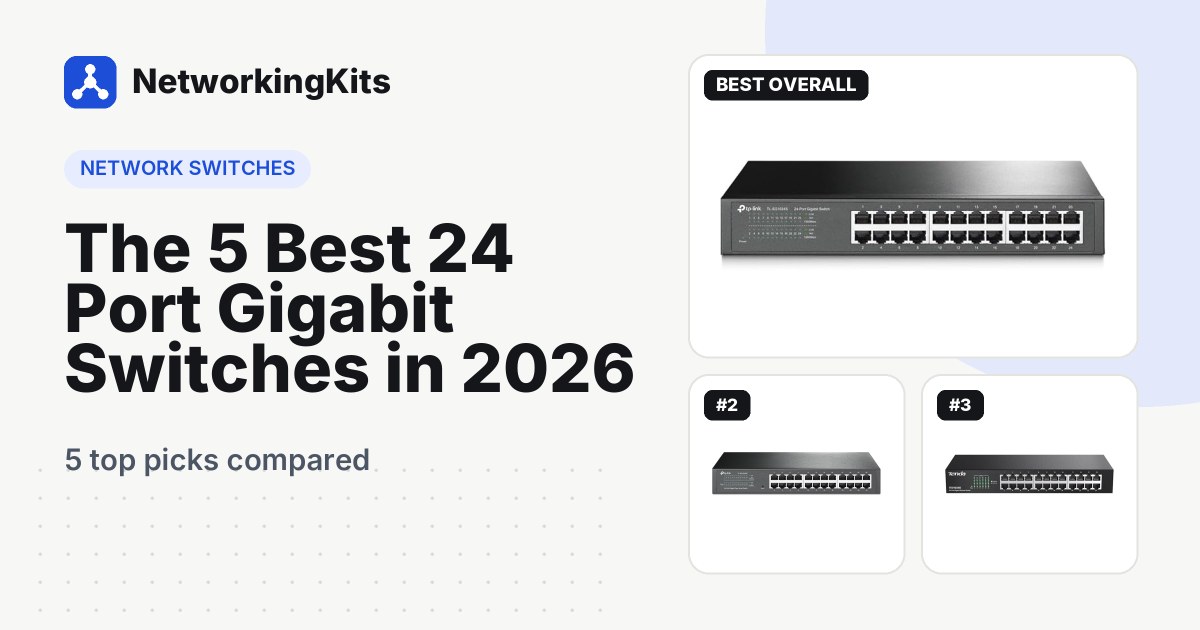
Wiring an office or a whole home? We ranked the best 24 port gigabit switches in 2026, from silent rackmount picks to smart managed and 250 W PoE+ switches.
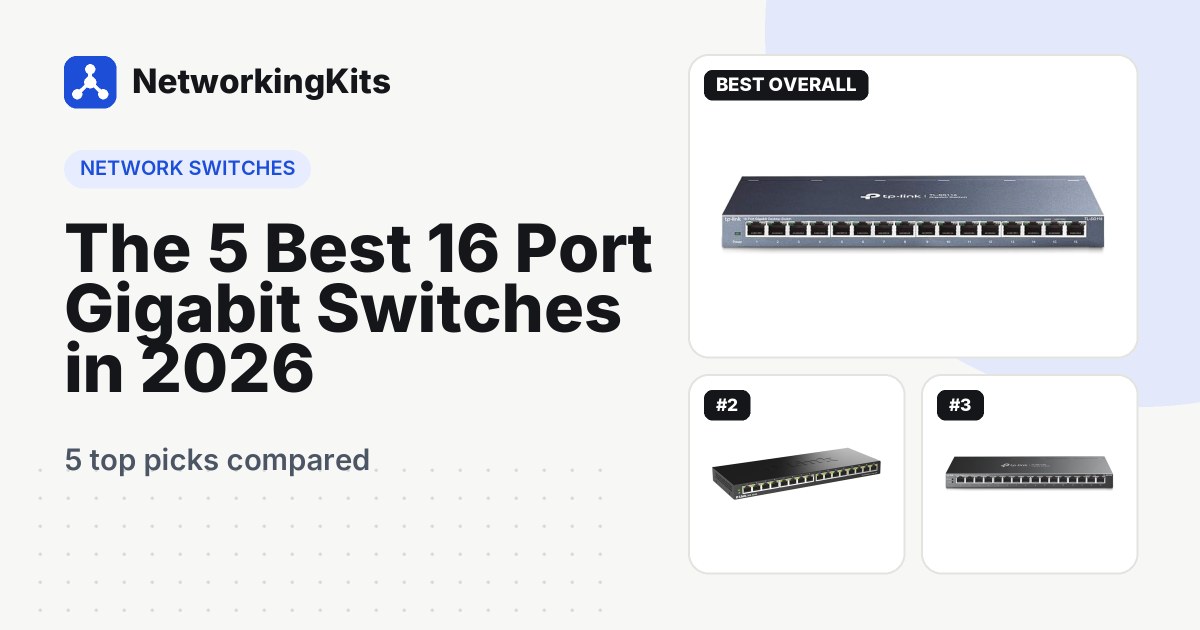
Running out of ports? We ranked the best 16 port gigabit switches in 2026, from silent desktop TP-Link and D-Link picks to PoE+, managed and rackmount models.
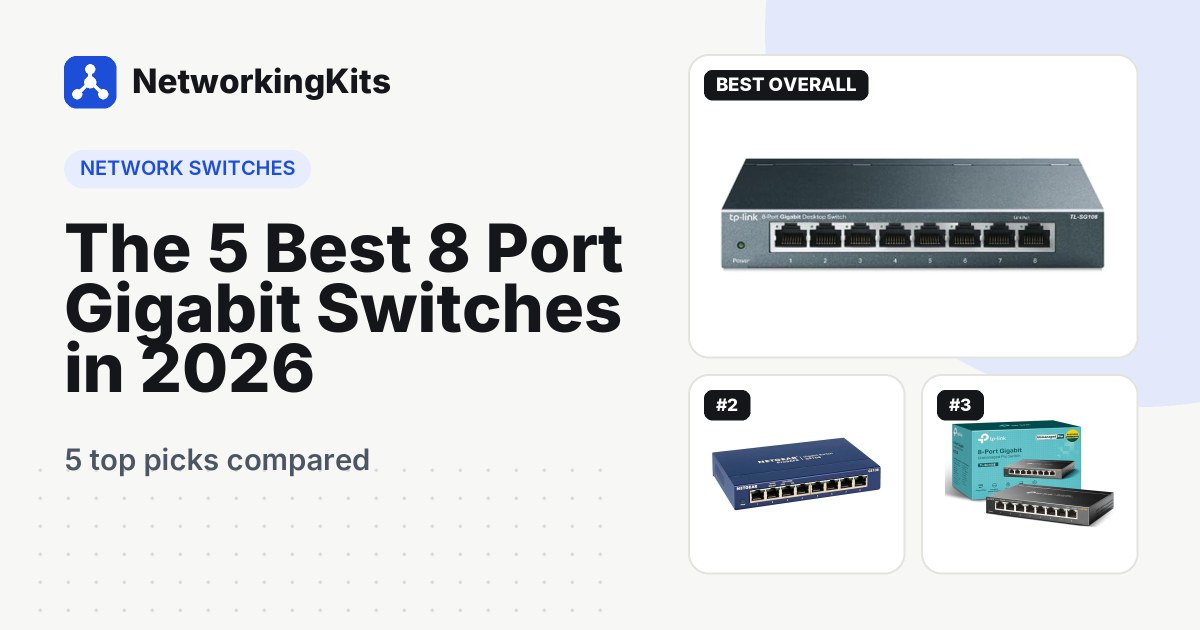
Need more Ethernet ports? We ranked the best 8 port gigabit switches in 2026, from silent metal TP-Link and NETGEAR picks to smart managed and PoE+ models.
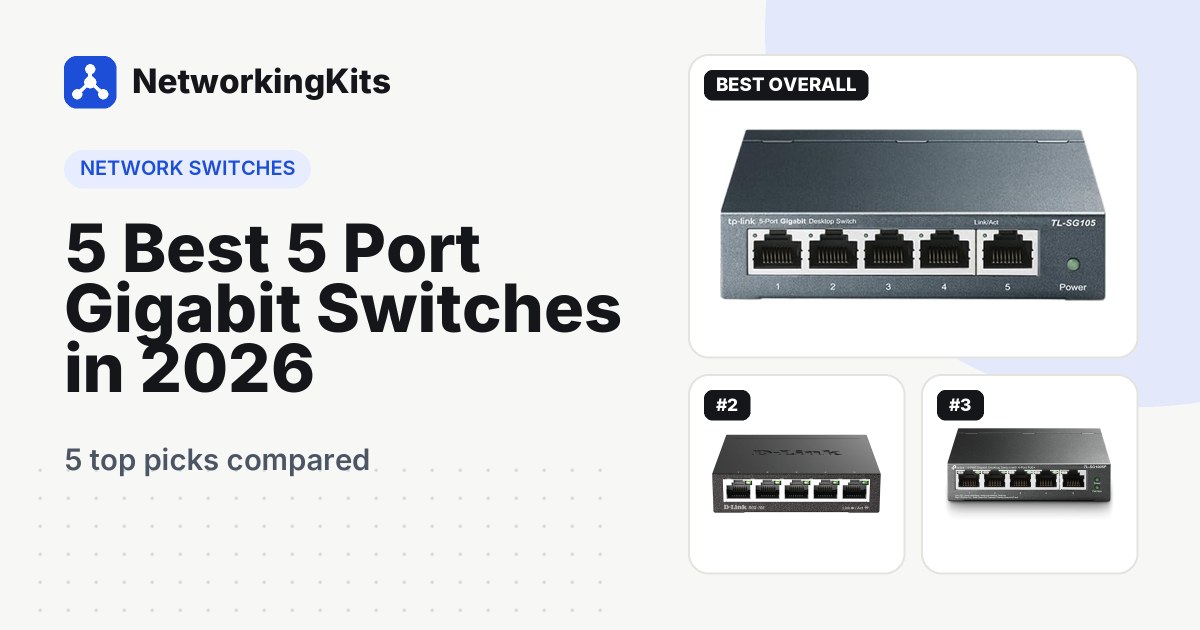
Out of LAN ports? These are the best 5 port gigabit switches in 2026, from silent metal TP-Link and D-Link picks to PoE and managed models that last for years.
Keep these points in mind before you buy.
Add up every wired device you have today and leave 2 or 3 spare ports. One port always goes to your router.
Plug-and-play switches need no setup. Pick a smart managed model only if you want VLANs, link aggregation or port statistics.
If you power cameras or access points, add up their watts and make sure the switch budget covers all of them with room to spare.
Plain-English guides that explain the basics before you buy.
If your internet works well and you just ran out of Ethernet ports, add a switch. If Wi-Fi coverage or internet speed is the problem, look at the router first. A switch does not make your internet faster.
No. A gigabit switch passes traffic at full line speed, so your devices get the same internet speed as if they were plugged into the router. It only adds a tiny fraction of a millisecond of latency.
Five and eight-port switches suit a desk, TV stand or gaming setup. Sixteen and twenty-four-port switches suit a whole-home or office network, usually in a rack next to a patch panel.
Yes, from established brands. Metal-cased fanless models from TP-Link, Netgear and similar brands often run for years without a reboot, which is why they top our lists.