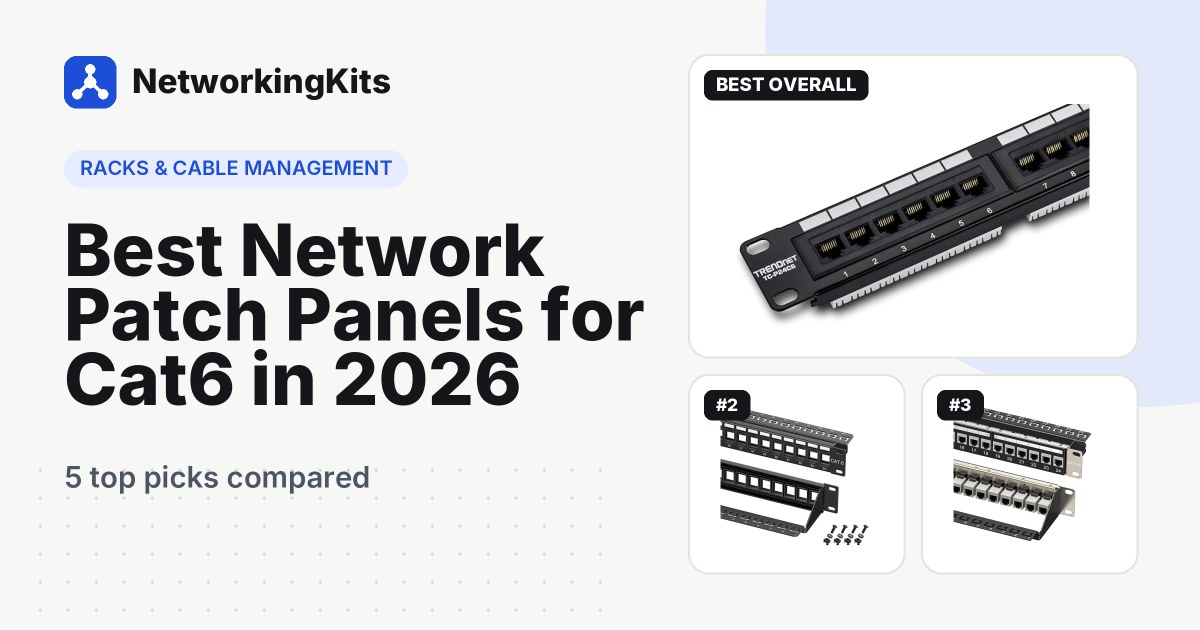
Best Network Patch Panels for Cat6 in 2026
Messy network closet? We ranked the best network patch panels in 2026, from TRENDnet and Monoprice punch down panels to Cable Matters keystone and Cat6A picks.
Network racks, patch panels, cable boxes, tie mounts and labeling for tidy setups.
A tidy rack is easier to work on, runs cooler and makes every future change faster. Patch panels give your in-wall cables a permanent, labeled home, short patch cables connect them to your switch, and a small wall-mount rack keeps it all off the floor.
Our rack and cable management reviews cover patch panels and the parts that go with them. We compare build quality, labeling, cable support and how easy each one is to terminate.
The number one pick from each of our reviews, chosen for value, build quality and real buyer feedback.

Each review compares five top-rated products from Amazon.com, with a comparison table, pros and cons, and a buying guide.
Messy network closet? We ranked the best network patch panels in 2026, from TRENDnet and Monoprice punch down panels to Cable Matters keystone and Cat6A picks.
Keep these points in mind before you buy.
Count your in-wall cables and add about 25 percent. A 24-port panel suits most homes and small offices.
Pair a 24-port panel with a 24-port switch, and use short 1 foot patch cables between them.
Add up the height of everything you mount, leave spare space for airflow, and check the depth before you buy.
Plain-English guides that explain the basics before you buy.
If you have more than a few in-wall Ethernet runs ending in one place, a patch panel makes the setup neater and protects the solid wire. With only two or three runs, you can skip it.
Punch-down panels are cheaper and very tidy. Keystone panels let you swap single ports and mix Ethernet with other connections, which is handy as a network grows.
A 6U to 12U wall-mount rack is usually enough for a patch panel, a switch, a router shelf and a power strip, with space to grow.