On this page 9 sections
Look at the right side of many business switches and you will see a few empty square slots next to the regular Ethernet ports. They are labeled SFP, and they often come with no explanation at all. Are they for fiber? Do you need them? What goes in them?
SFP ports are one of the most useful features on a switch, once you know what they do. This guide explains what an SFP port is, the different module types, SFP vs SFP+ and when you actually need one.
What is an SFP port?
SFP stands for Small Form-factor Pluggable. An SFP port is an empty slot that accepts a small plug-in module, called a transceiver. The module decides what kind of cable the port uses: fiber optic, copper Ethernet or a direct-attach cable. That flexibility lets one switch connect over very different distances and media without changing the switch itself.
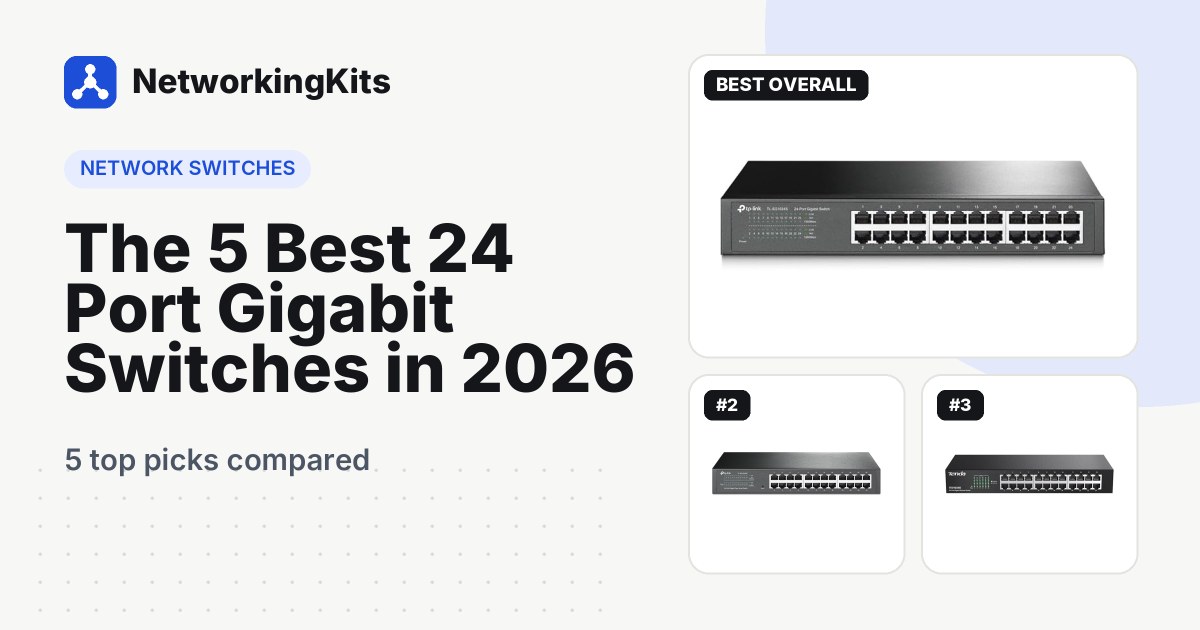
Standard SFP ports run at 1 Gbps. The newer SFP+ ports look the same but run at 10 Gbps, and SFP28 runs at 25 Gbps in data centers. Many home and small office switches include two or four SFP slots for uplinks, such as the TP-Link TL-SG1428PE in our 24-port gigabit switch reviews.
Common SFP module types
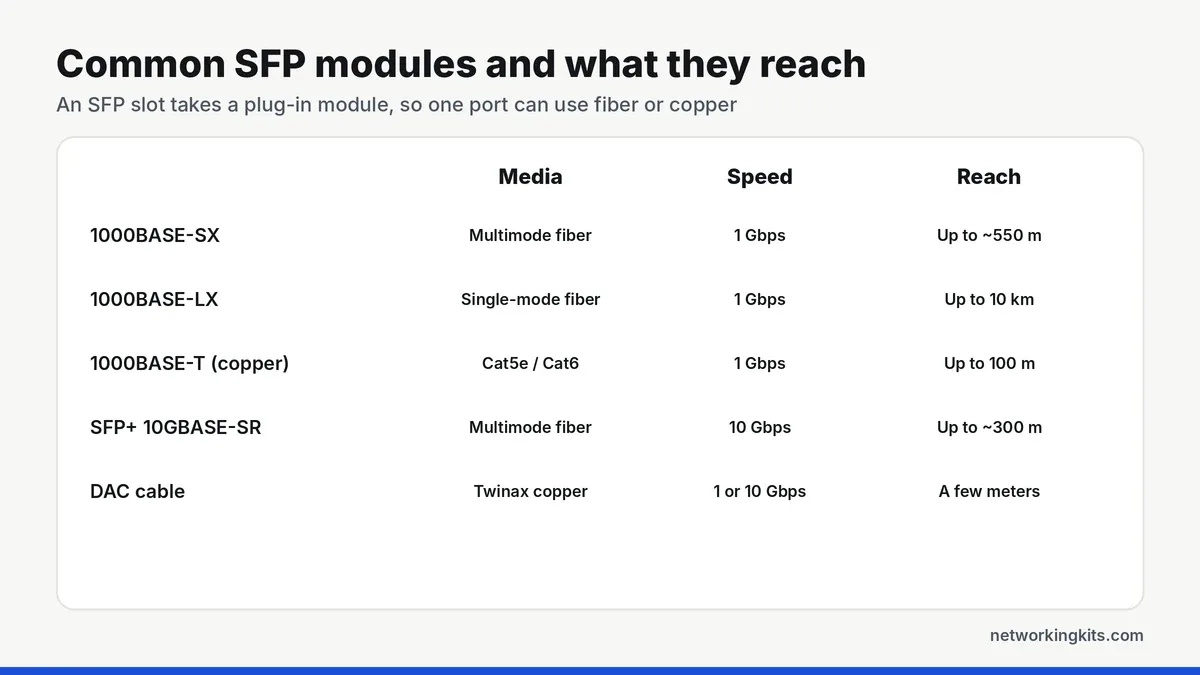
- 1000BASE-SX: multimode fiber for links up to about 550 meters, depending on the fiber grade. The usual choice inside a building or campus.
- 1000BASE-LX: single-mode fiber for links up to around 10 kilometers.
- 1000BASE-T copper: turns the SFP slot into a regular RJ45 port for Cat5e or Cat6 cable, up to 100 meters.
- SFP+ modules: the 10 Gbps versions, such as 10GBASE-SR over multimode fiber, which reaches around 300 meters on OM3 fiber.
- DAC cables: direct-attach copper cables with modules built into each end, for very short, cheap links between switches in the same rack.
Why use SFP instead of a normal Ethernet port?
Distance. Copper Ethernet tops out at 100 meters. Fiber through an SFP port can reach hundreds of meters or many kilometers, so it is the way to connect a garage, a barn or a second building.
Electrical isolation. Fiber does not conduct electricity, so a fiber link between buildings will not carry a surge from a lightning strike or ground difference into your switch. That is a big advantage for outdoor runs.
Noise immunity. Fiber is immune to electrical interference from motors, lighting and power cables, which makes it reliable in industrial spaces.
Flexible uplinks. SFP slots let you choose the right uplink to another switch or router later, without replacing the switch. Our guide to switch uplink ports explains how these links work.
Single-mode vs multimode fiber
Fiber comes in two main types. Multimode fiber has a wider core and is used with cheaper SX modules for distances up to a few hundred meters, which covers most buildings and campuses. It is usually orange (OM1, OM2) or aqua (OM3, OM4). Single-mode fiber has a very thin core and is used with LX and longer-range modules for kilometers. It is usually yellow. The module and the fiber must match, so decide on the fiber type first and buy modules to suit.
Combo ports and shared slots
Some switches list "combo" or "shared" SFP ports. A combo port shares its connection with one of the RJ45 ports, so you can use either the SFP slot or the matching copper port, but not both at once. Check the switch specs before you plan to use every port.
Compatibility: will any SFP module work?
Usually, but not always. SFP modules follow a multi-source standard, so most modules work in most switches. Some brands lock their switches to their own modules or show warnings for third-party ones. The simplest approach is to buy modules from the switch maker, or from a supplier that guarantees compatibility with your exact switch model. Also make sure both ends of a fiber link use matching modules, the same type (SX with SX, LX with LX) and the right connector, usually LC.
An SFP slot rated for 1 Gbps will not accept a 10 Gbps SFP+ module at full speed. Many SFP+ ports can run 1 Gbps SFP modules, but not the other way round, so match the module speed to the port.
Do you need SFP ports?
You probably need them if you are connecting another building, a long run over 100 meters, an outdoor link that you want isolated from surges, or you plan a 10 Gbps uplink between switches.
You can skip them if every device and switch in your network is within 100 meters and connected with copper Ethernet. For most homes, regular gigabit RJ45 ports are all you need. Our walkthrough on connecting a switch to your router covers connecting switches with normal Ethernet cables.
If you want to test long copper runs before deciding whether you need fiber, our roundup of Fluke cable testers can measure cable length and find faults.
The short answer
An SFP port is a slot for a small module that lets a switch use fiber or a different kind of copper link. It matters for long runs, links between buildings and 10 Gbps uplinks. For a normal home network, regular Ethernet ports are all you need.
Frequently Asked Questions
What is the difference between SFP and SFP+?
They look the same and fit the same slot size, but SFP runs at 1 Gbps and SFP+ runs at 10 Gbps. Many SFP+ ports can also accept 1 Gbps SFP modules, but SFP ports cannot run SFP+ modules at 10 Gbps.
Can I plug an Ethernet cable into an SFP port?
Not directly. You need a copper SFP module, often called an RJ45 SFP or 1000BASE-T module, which turns the slot into a regular Ethernet port.
Do I need SFP ports at home?
Usually not. SFP ports are most useful for fiber links between buildings or runs longer than 100 meters. Most homes only need normal RJ45 gigabit ports.
How far can an SFP fiber link go?
It depends on the module and fiber. A 1000BASE-SX module reaches up to about 550 meters on multimode fiber, while a 1000BASE-LX module reaches around 10 kilometers on single-mode fiber.

We are network installers and home lab builders who have spent over a decade crimping, punching down and testing cable. Every guide is built from spec sheets, verified buyer feedback and real-world install experience.
How we research and score products →