On this page 9 sections
Look at a network rack and you will usually see two rows of ports stacked on top of each other, connected by a neat set of short cables. One row is a patch panel and the other is a switch, and they look so alike that people often assume they do the same job.
They do not. One is a passive organizer and the other is the active heart of your wired network. This guide explains the difference, how they work together and whether you need both.
What a patch panel does
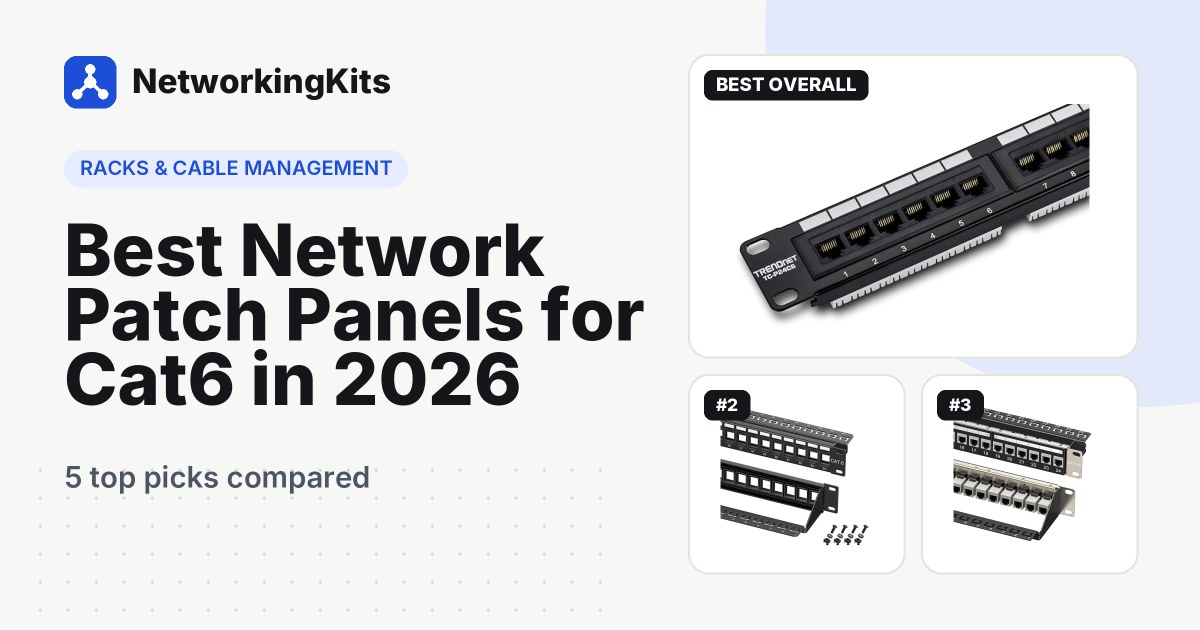
A patch panel is a passive panel of RJ45 ports. Every cable that runs through your walls, from offices, bedrooms, cameras and access points, ends at the back of the panel, where it is terminated once and left alone. Each front port matches one room or device.
It has no power, no lights and no electronics. It simply gives your in-wall cables a fixed, labeled home. Our guide to punch down and keystone panels explains the types in detail.
What a switch does
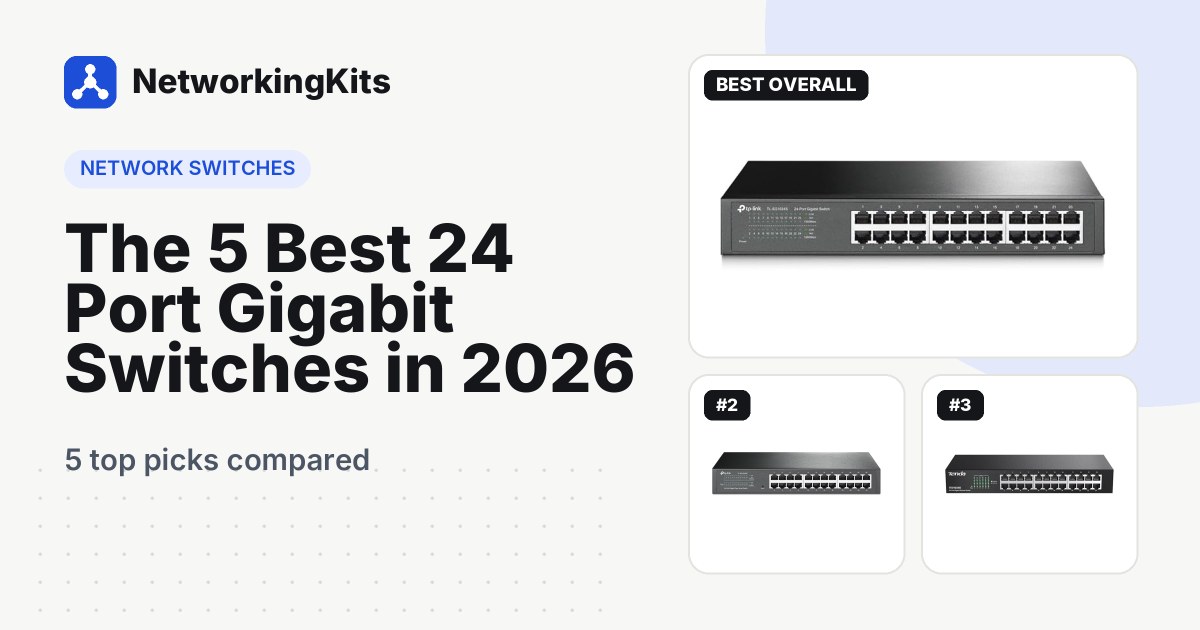
A network switch is an active device. It is powered, it reads the address on every piece of data that arrives and it sends that data out of the right port to the right device. It is what actually lets your computers, TVs and consoles talk to each other and reach your router.
Switches come in sizes from 5 to 48 ports and more, with options like PoE to power cameras and managed features like VLANs. Our guide to when you need a managed switch covers the main types.
Patch panel vs switch at a glance
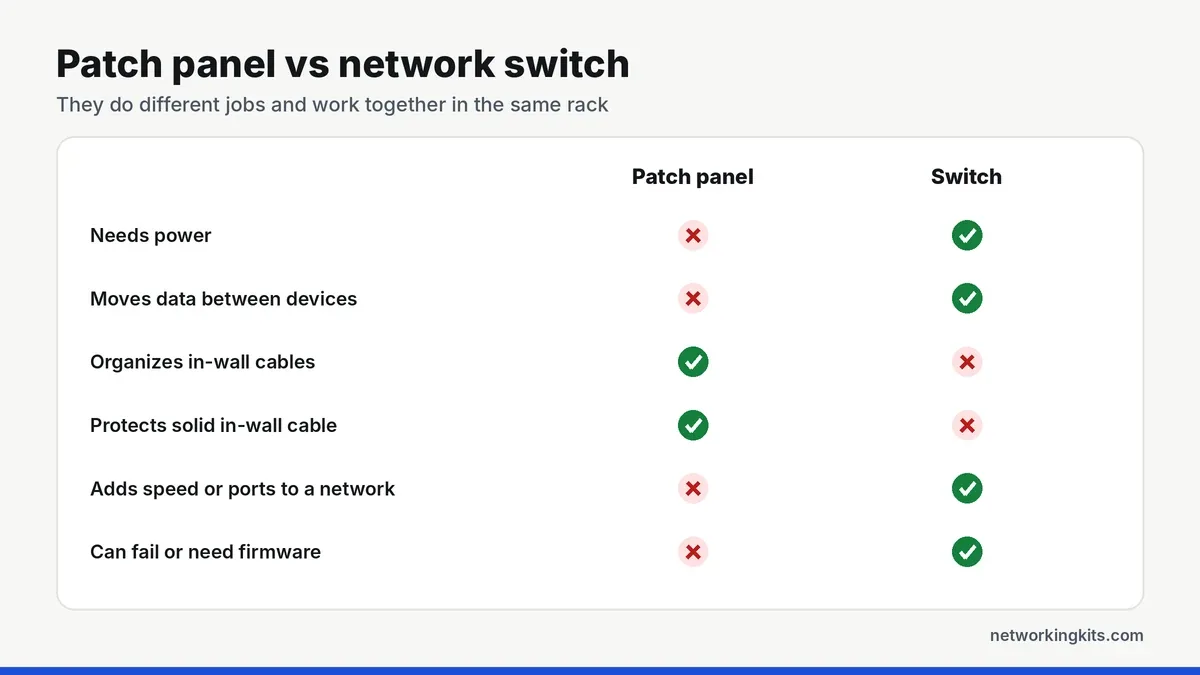
How they work together
In a typical setup, the in-wall cable from each room ends at the back of the patch panel. A short patch cord, usually 1 or 2 feet long, then connects each front port of the panel to a port on the switch below it. The switch connects to your router, which handles the internet connection.
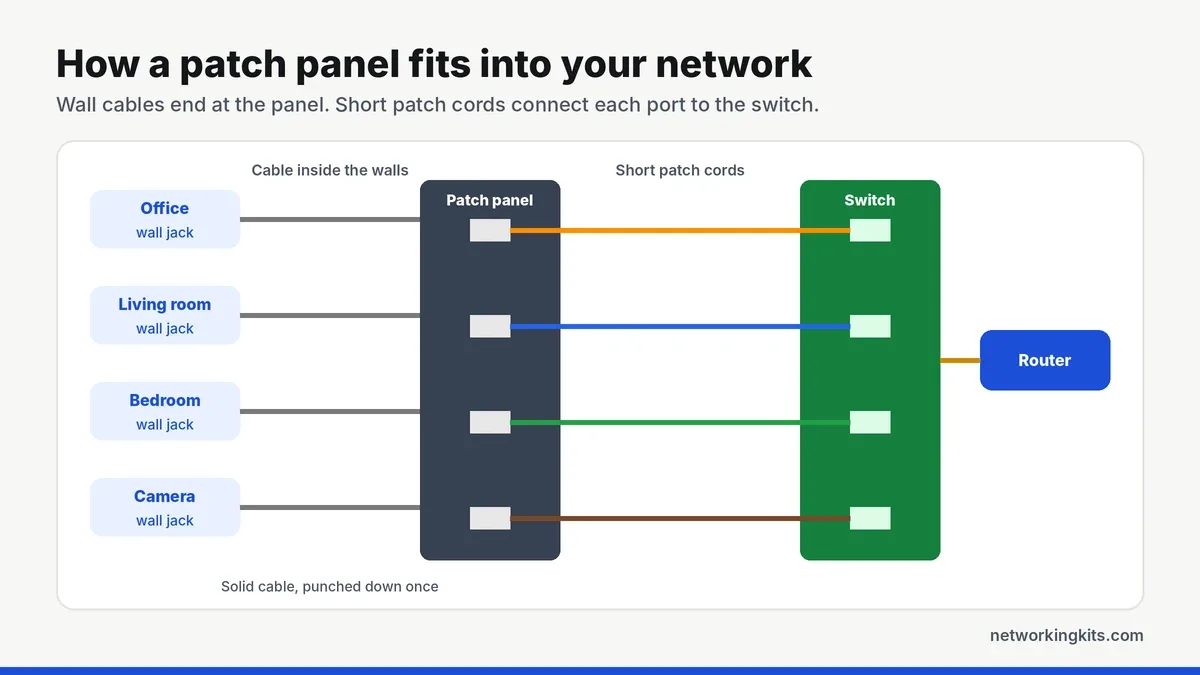
This arrangement is why professional racks look so tidy. Each cable has one job, and changing anything means moving one short cord at the front, never touching the in-wall wiring.
Why not plug wall cables straight into the switch?
You can, and with two or three runs many people do. The problems start as the network grows:
- In-wall cable is solid copper. It carries signal well but cracks if it is bent, unplugged and moved over and over. A patch panel lets you terminate it once and never move it again.
- Replacing a switch gets messy. With a panel, you unplug a row of short cords. Without one, you are handling every in-wall cable.
- Labels and troubleshooting. A labeled panel tells you exactly which port goes to which room, and you can test any run from the panel.
- Plugs on in-wall cable fail more. Crimping plugs onto solid cable works, but punch down terminations at a panel are more reliable long term.
Do you need both?
Use both if you have six or more in-wall runs meeting in one place, you are installing a rack or wall cabinet, or you are wiring a new home or office. The panel protects your cabling, and the switch runs the network.
A switch alone is fine if your devices connect with ordinary patch cables on a desk or behind a TV, or you only have one or two in-wall runs that you can terminate in wall jacks.
What you can never do is use a patch panel instead of a switch. A panel does not move data, so connecting devices to it without a switch behind it does nothing.
Match the panel to the switch: a 24-port panel above a 24-port switch, with 1-foot patch cords, keeps the front of the rack clean and makes every port easy to trace.
Choosing the right pair
Count your runs and add about 25 percent for future drops. For most homes and small offices, a 24-port Cat6 patch panel and a 24-port gigabit switch is the sweet spot. Our patch panel picks and the 24-port switches we compared include rackmount models that line up neatly. Planning the rack itself? See our guide to rack units.
Final thoughts
A patch panel and a switch are not rivals. The panel keeps your in-wall cables organized and protected, and the switch moves the data. If you have more than a few runs ending in one place, use both, and size them to match so your rack stays neat.
Frequently Asked Questions
Is a patch panel the same as a switch?
No. A patch panel is passive and only organizes cable connections. A switch is powered and actively forwards data between devices. Most racks use both.
Can a patch panel replace a switch?
No. A patch panel does not move any data. Devices connected through a patch panel still need a switch or router behind it to communicate.
Does a patch panel slow down my network?
No. A patch panel rated for your cable category adds no noticeable delay or speed loss. Ethernet standards already allow for patch panels in every channel.
What length patch cords should connect a patch panel to a switch?
Usually 1 or 2 feet (30 to 60 cm). Short cords keep the rack tidy, especially when the switch is mounted directly below the panel.

We are network installers and home lab builders who have spent over a decade crimping, punching down and testing cable. Every guide is built from spec sheets, verified buyer feedback and real-world install experience.
How we research and score products →